You set z-index: 9999 on a dropdown and it still renders under a card three sections away. You bump it to 99999. Nothing. If this cycle sounds familiar, the problem is almost never the number — it's a stacking context you didn't know you created.

A 30-second mental model
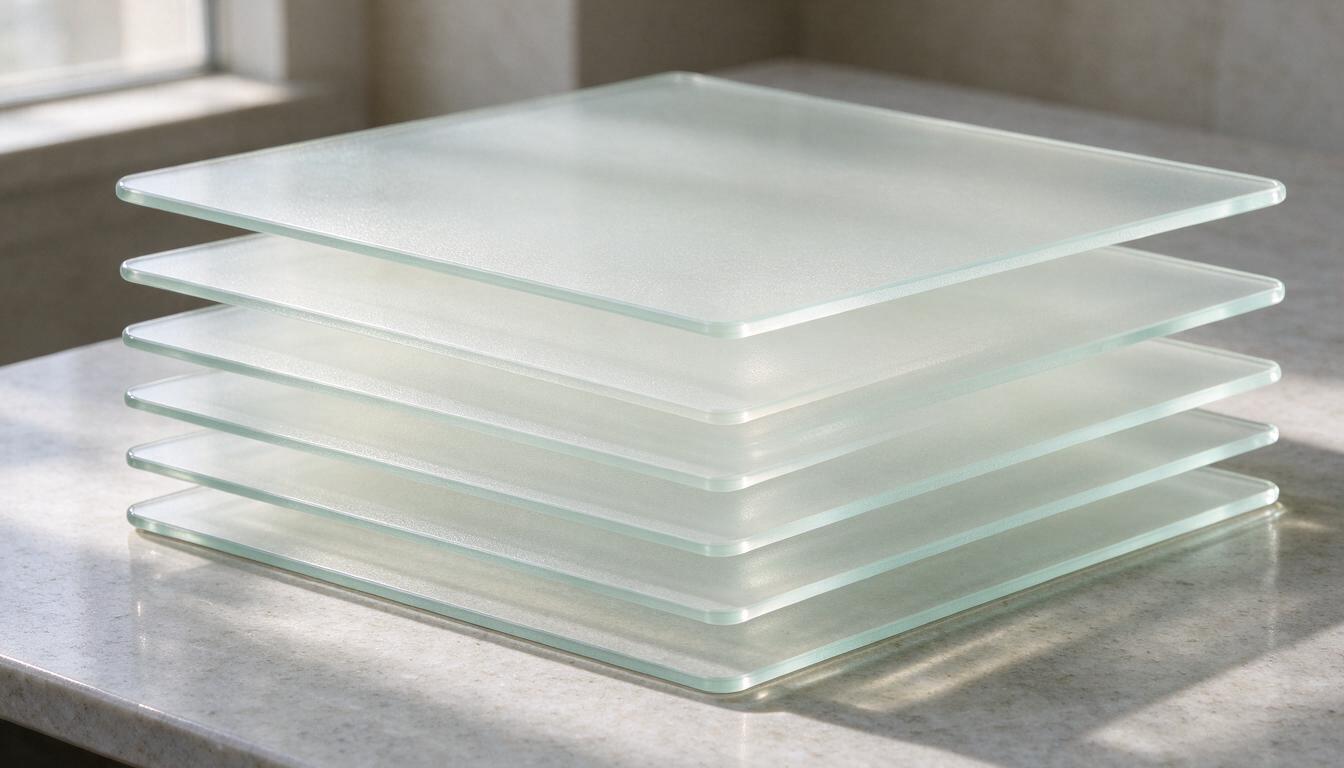
Think of every stacking context as a sealed folder. Elements inside a folder can fight each other with z-index, but the whole folder gets ranked against other folders by its own z-index — or by DOM order if it has none. A child with z-index: 9999 inside a folder ranked at 1 will always lose to a folder ranked at 2. The full rules live in MDN's stacking context guide, but that one sentence covers most real bugs.
So debugging z-index means answering two questions: did my z-index get applied at all, and did something accidentally create a folder I didn't want? Work through the checklist below in order.
1. The element isn't positioned
Symptom: you set z-index and literally nothing changes.
Repro: .badge { z-index: 10; } on an element with position: static (the default). z-index is ignored on non-positioned elements.
Fix: add position: relative. It doesn't move anything unless you also set offsets, so it's the safe default. One exception worth knowing: flex and grid items honor z-index without positioning, which is why this bug only shows up in some layouts and not others.
2. An ancestor has opacity below 1
Symptom: a tooltip inside a card refuses to rise above a neighboring section, even with a huge z-index.
Repro: .card { opacity: 0.99; } wrapping .tooltip { z-index: 999; }. Any opacity under 1 — even 0.99 — creates a stacking context and seals the tooltip inside the card's folder.
Fix: don't fade the container. Apply transparency where it belongs: background: rgba(255, 255, 255, 0.8) on the card itself, or fade individual children. If the whole card must fade during an entrance animation, accept the trap while it runs — but make sure it ends at opacity: 1 and the property is removed afterward, or the tooltip stays trapped forever.
3. The transform and filter family
Opacity is just one member of a large family of properties that silently create stacking contexts:
- transform — including innocent hover lifts like translateY(-2px)
- filter and backdrop-filter — a single blur(1px) is enough
- will-change: transform — creates the context before the animation even starts
- perspective, clip-path, mask, mix-blend-mode, isolation: isolate, contain: paint
Repro: a card with a hover animation transform: translateY(-4px) holds a dropdown menu. On hover, the dropdown drops behind the next section.
Fix: if the transform is purely decorative, move it to an inner wrapper that doesn't contain the overlay. If you can't remove it, win the fight one level up: give the card's container a higher z-index than the section it needs to overlap. Stacking contexts aren't evil — you just have to compete at the right level.
4. Two sibling contexts are fighting (the trapped 9999)
Symptom: your dropdown's z-index: 9999 is powerless against an element it isn't even nested near.
Repro: .section-a { position: relative; z-index: 1; } contains the dropdown. .section-b { position: relative; z-index: 2; } sits after it. Section A is a folder ranked 1, section B is a folder ranked 2. Everything inside A — including that 9999 — loses.
Fix: compare siblings, not descendants. Either raise section A above section B, or remove A's z-index entirely (leaving z-index: auto) so it stops being a folder and the dropdown competes globally. This is the most common cause I see in real codebases, and the fix is almost always two or three levels higher in the DOM than where you were editing.
5. position: fixed inside a transformed ancestor
Symptom: a fixed header or modal scrolls with the page, or positions itself relative to a card instead of the viewport.
Repro: .page-wrap { transform: translateZ(0); } — often added for GPU performance — wrapping .modal { position: fixed; }. A transformed ancestor becomes the containing block for fixed descendants, and creates a stacking context while it's at it. filter and will-change: transform do the same thing.
Fix: render modals, toasts, and tooltips at the top of the DOM. In React, use a portal to document.body; in vanilla JS, append the node to body on mount. No ancestor surprises, and your fixed elements behave the same everywhere.
6. Ties are broken by DOM order
When two positioned elements share the same z-index — or have none — the one later in the HTML paints on top. That's why the second card's shadow covers the first, and why the same markup behaves differently on the left and right side of a grid.
There's a subtle trap here too: z-index: 0 creates a stacking context; z-index: auto does not. Adding 0 to be safe can trap a child exactly the way opacity does.
Fix: only assign z-index where a real conflict exists, and keep values on a small scale — 1 through 10 covers nearly every layout I've shipped. A wall of 9999s is a smell that someone is fighting contexts instead of fixing them.
The two-minute DevTools routine
When nothing on the checklist jumps out, I do this:
- Pick the element rendering on top when it shouldn't be, and the one being buried.
- In the Elements panel, walk up each DOM tree to the first ancestors that are siblings of each other. That pair is where the actual contest happens.
- Compare them: does either have a z-index, transform, filter, opacity, or will-change? Toggle each declaration off in the Styles pane and watch what changes.
- If you use Edge, the 3D View tool renders stacking contexts as separate layers — trapped children become instantly visible.
Rule of thumb
Stacking contexts should be created on purpose, not by accident. Every time you reach for opacity, transform, or filter on a container, ask what's inside it that might need to escape later. And before you type 9999 again, remember: the number was never the problem. The folder was.